> ## Documentation Index
> Fetch the complete documentation index at: https://evalgate.com/docs/llms.txt
> Use this file to discover all available pages before exploring further.
# Run an evaluation
> One click, then read the pass/fail report.
# Run an evaluation
Running an evaluation sends every case through the chosen model and scorer, then
records the results, costs, and provenance.
## Step 1 — Open the evaluation
In the sidebar, click **Evaluations** and pick the one you want to run.
## Step 2 — Run it
On the evaluation page, click **Run**. You can run the whole suite or a filtered
subset.
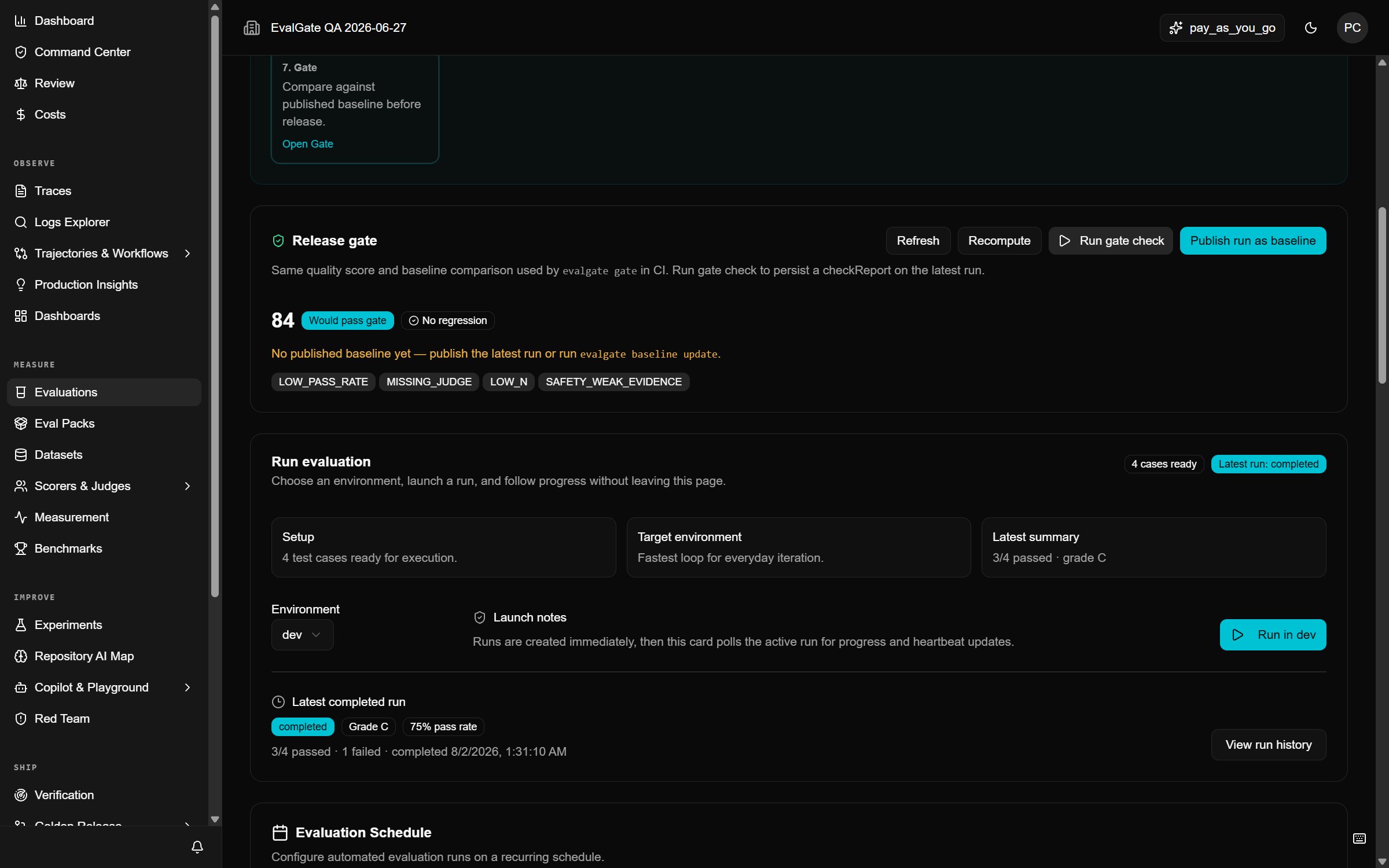 A run is recorded with its evaluation, model, scorer versions, and cost. A
cancelled or partial run is **not** a verified winner — do not treat it as
one.
## Step 3 — Watch the run
The run page updates as cases finish. Each row shows pass/fail, the score, the
model latency, and the cost. Failed rows are flagged so you can find them fast.
A run is recorded with its evaluation, model, scorer versions, and cost. A
cancelled or partial run is **not** a verified winner — do not treat it as
one.
## Step 3 — Watch the run
The run page updates as cases finish. Each row shows pass/fail, the score, the
model latency, and the cost. Failed rows are flagged so you can find them fast.
 ## Step 4 — Read the report
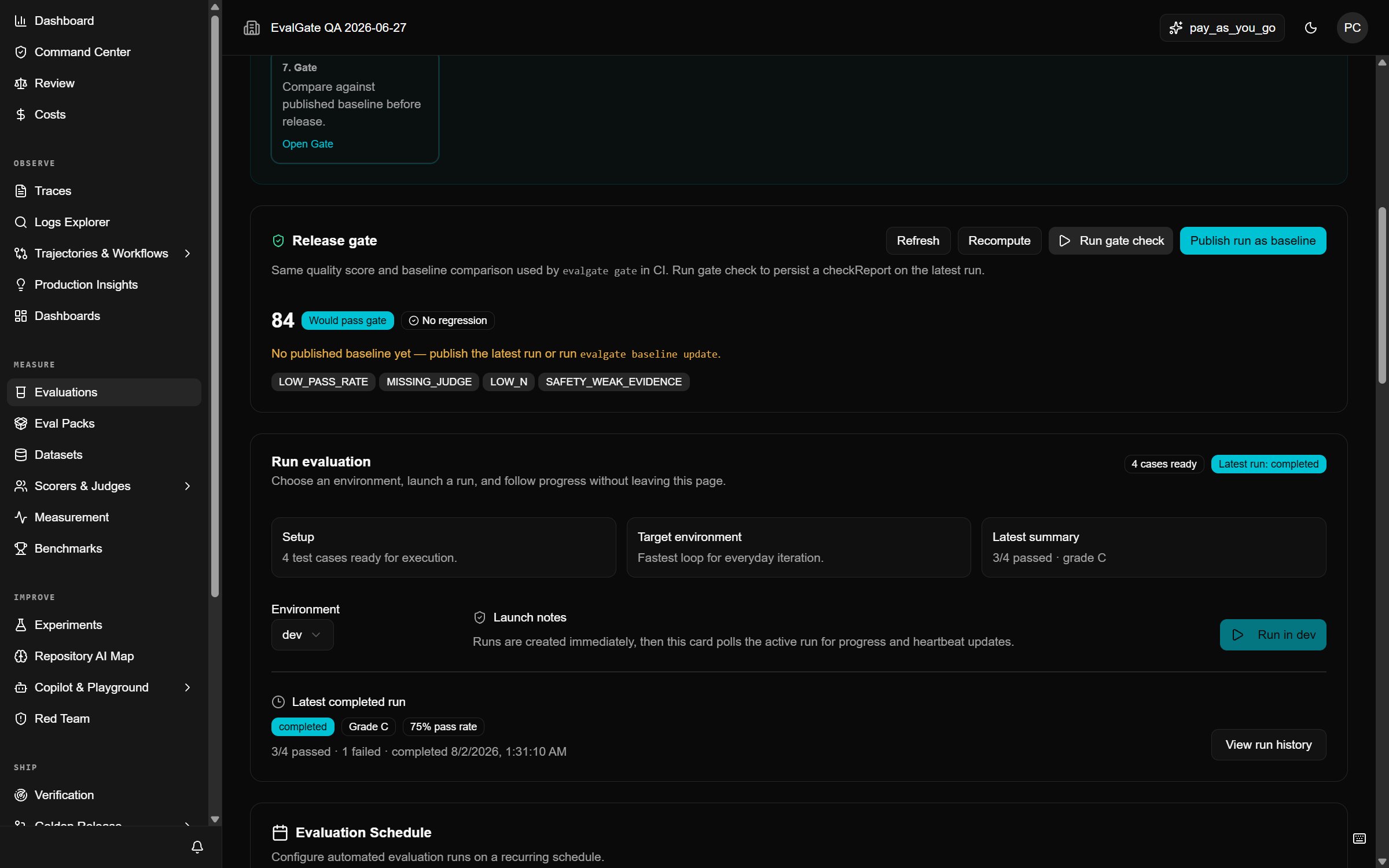
When the run finishes, open the **Report** tab for a summary: overall pass rate,
cost total, and the failing cases grouped by scorer. This report is what a CI
gate compares against the baseline.
## Troubleshooting
* **All rows failed instantly** — the model or scorer is misconfigured. Check
the [Model Gateway](../evalgate-101/connect-provider-key) and the scorer
definition.
* **`budget_exhausted`** — raise the organization budget or run a smaller subset.
* **Rows stuck in `running`** — the run may be queued behind others. Cancel and
retry, or check Remote Runners if you use them.
## Up next
[Review the results](./review-results) in detail.
## Step 4 — Read the report
When the run finishes, open the **Report** tab for a summary: overall pass rate,
cost total, and the failing cases grouped by scorer. This report is what a CI
gate compares against the baseline.
## Troubleshooting
* **All rows failed instantly** — the model or scorer is misconfigured. Check
the [Model Gateway](../evalgate-101/connect-provider-key) and the scorer
definition.
* **`budget_exhausted`** — raise the organization budget or run a smaller subset.
* **Rows stuck in `running`** — the run may be queued behind others. Cancel and
retry, or check Remote Runners if you use them.
## Up next
[Review the results](./review-results) in detail.