> ## Documentation Index
> Fetch the complete documentation index at: https://evalgate.com/docs/llms.txt
> Use this file to discover all available pages before exploring further.
# Create a prompt
> Author, version, and test a prompt before it ships.
# Create a prompt
A prompt in EvalGate is a versioned, content-hashed message template. You author
drafts, test them, send them for review, and publish an approved version to a
protected environment.
## Step 1 — Open Prompt Hub
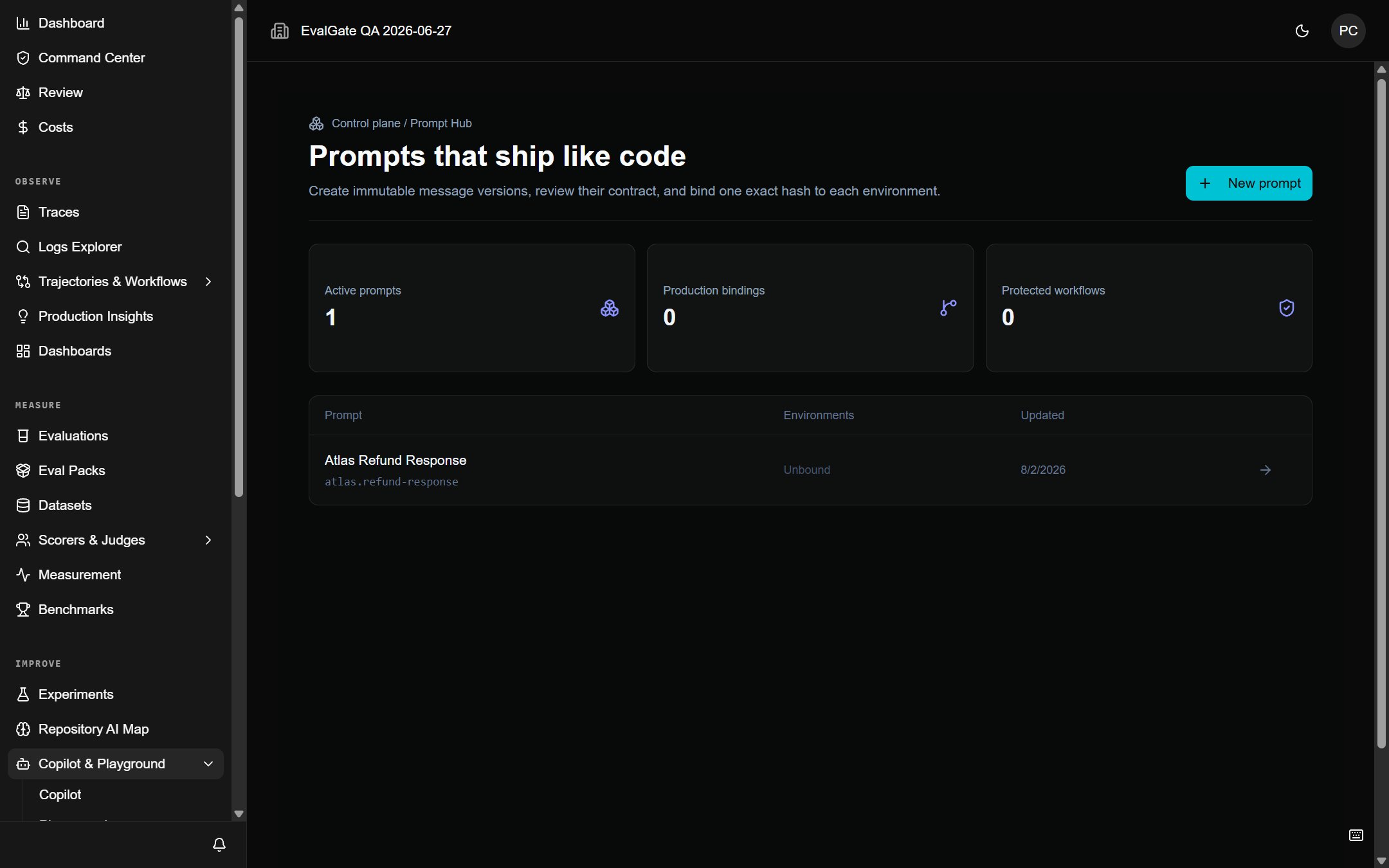
In the sidebar, click **Prompts**, then **New prompt**.
 ## Step 2 — Author the first version
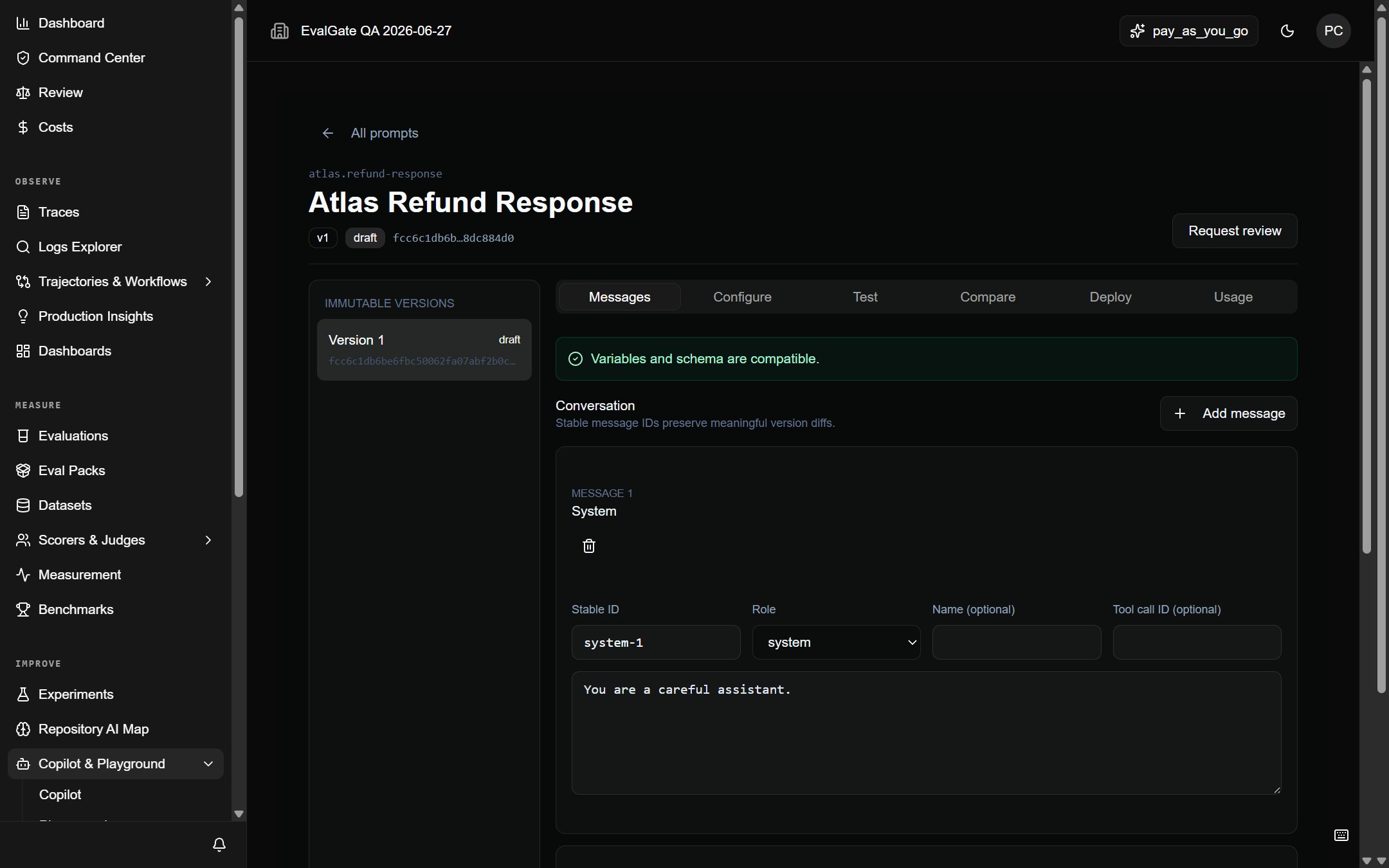
Give the prompt a stable **key** (for example, `checkout-assistant-system`). The
key is the public identity; versions are immutable and content-hashed under it.
Write the message content. You can include tool definitions and variables. Save
the draft.
## Step 2 — Author the first version
Give the prompt a stable **key** (for example, `checkout-assistant-system`). The
key is the public identity; versions are immutable and content-hashed under it.
Write the message content. You can include tool definitions and variables. Save
the draft.
 ## Step 3 — Test against the Gateway
Before review, run a **Gateway test** to confirm the prompt compiles and the
model accepts it. This needs a [connected provider key](../evalgate-101/connect-provider-key).
## Step 4 — Submit for review
Click **Submit for review**. A reviewer with the `prompt:publish` permission can
approve the version. Until then, it is a draft and cannot be served by a
protected alias.
## Step 5 — Publish to an environment
After approval, publish the version to a protected environment alias (for
example, `production`). The alias resolves that exact version — never a draft —
and every consumer retains the exact `versionId` and `contentHash`.
## Up next
[Publish and roll back](./publish-prompt) a version safely.
## Step 3 — Test against the Gateway
Before review, run a **Gateway test** to confirm the prompt compiles and the
model accepts it. This needs a [connected provider key](../evalgate-101/connect-provider-key).
## Step 4 — Submit for review
Click **Submit for review**. A reviewer with the `prompt:publish` permission can
approve the version. Until then, it is a draft and cannot be served by a
protected alias.
## Step 5 — Publish to an environment
After approval, publish the version to a protected environment alias (for
example, `production`). The alias resolves that exact version — never a draft —
and every consumer retains the exact `versionId` and `contentHash`.
## Up next
[Publish and roll back](./publish-prompt) a version safely.