

Create a monitor
A Continuous Eval monitor watches live traffic, scores a sample of it, and alerts you when quality slips. It lives at/online-evals.
Step 1 — Start from a query
The best monitors start from a real failure query. In Evidence → Logs, build the query that defines the traffic you care about, then click Create draft monitor.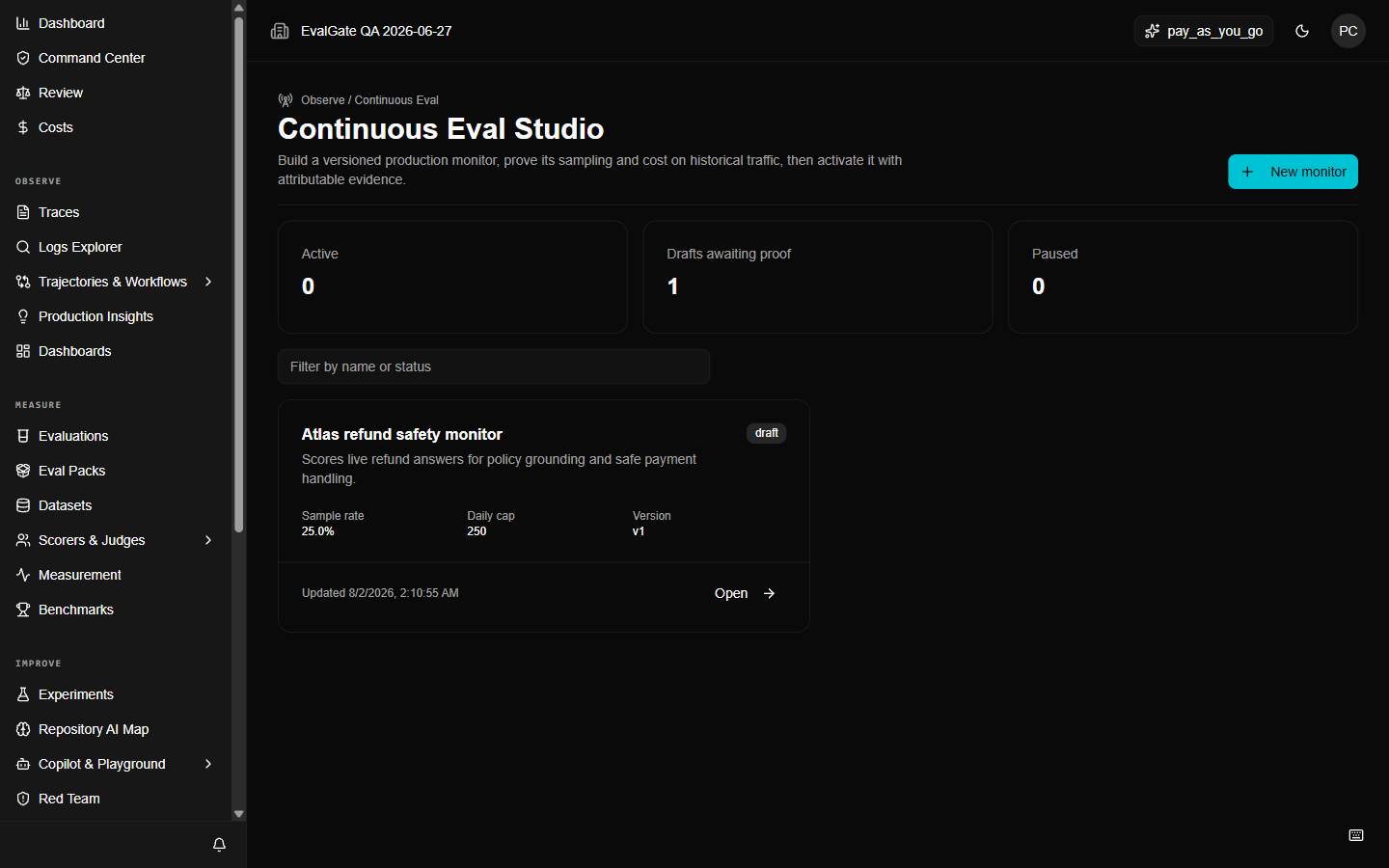
Step 2 — Define the sample and scorer
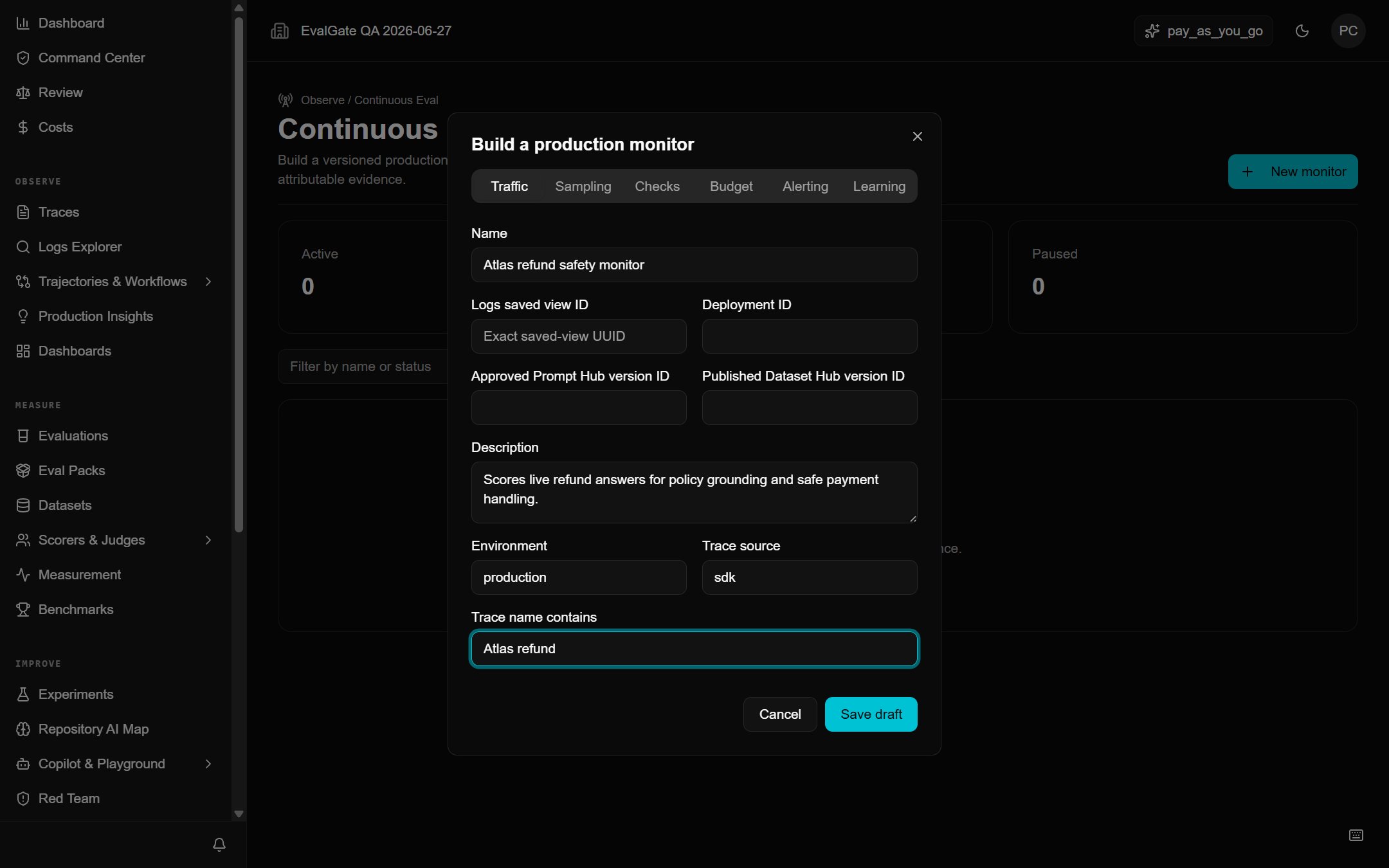
On the monitor draft page:- Set the sample rate or filter that selects which traces to score.
- Pick the scorer (calibrated, ideally) that decides pass/fail.
- Set the alert threshold — for example, alert if the failure rate over the last 100 samples exceeds 5%.
Step 3 — Simulate on history
Before the monitor touches live traffic, simulate it against historical traces. This proves the scorer and threshold behave the way you expect on real data.A monitor that has only been simulated is not active. It will not alert
anyone until you explicitly activate it.