

Run the eval loop
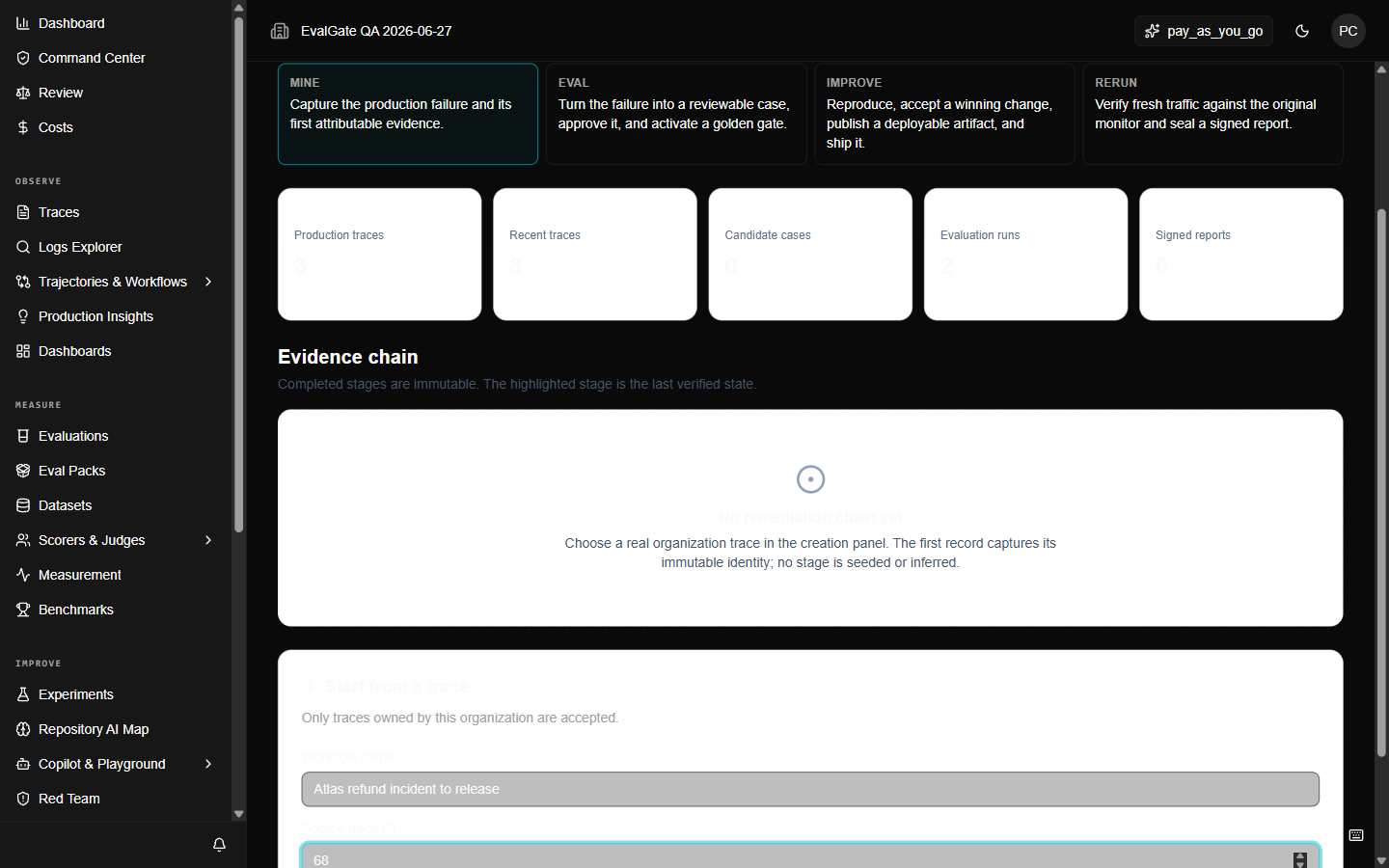
Verification (/eval-loop, opened from Search) carries a single production failure through
14 evidence stages, ending in a signed report. It does not manufacture success
from aggregate counts — every stage must be backed by a real platform record.
Step 1 — Start from a real trace
Open/eval-loop, click Start from a trace, enter a workflow name and the
numeric trace ID, and click Create evidence chain. The source trace becomes
version 1.
Step 2 — Advance each stage
Each stage requires canonical evidence from another surface. You do not type evidence in — you create it on the surface it belongs to, then the loop validates and advances.Step 3 — Handle a stuck stage
If a stage will not advance, the page tells you what evidence is missing or invalid — stale, skipped, partial, foreign, mismatched, expired, revoked, or provenance-incomplete. Fix the referenced record on its native surface, then retry.A completed stage is immutable. The workflow version increases by exactly
one per accepted transition.