

Save views and cohorts
A saved view remembers a query and table layout. A cohort remembers a query as a named population that other workflows can reuse.Save a view
- Build the query you want to keep.
- Enter a View name, for example
prod-openai-failures-this-week. - Pick a scope: Personal (only you), Project, or Organization.
- Click the Save current view button next to the name.
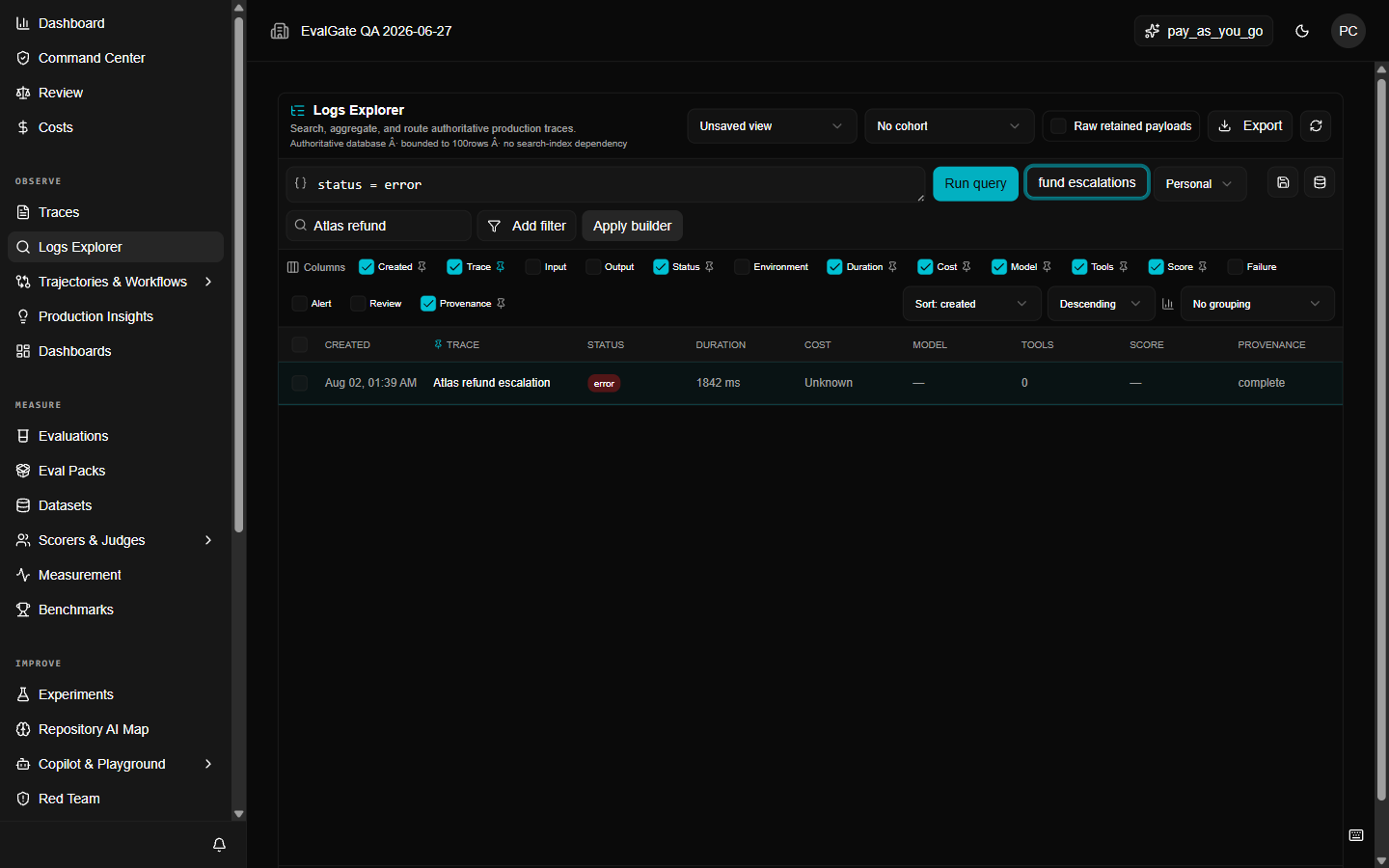
Save a cohort
A cohort is the right choice when another workflow needs the population, not the layout — for example, when you want to run an evaluation against every trace that matched a query.- Build the query.
- Enter a name in View name.
- Click the Save current query as cohort button.
get_logs_cohorts API operation.