

Export traces
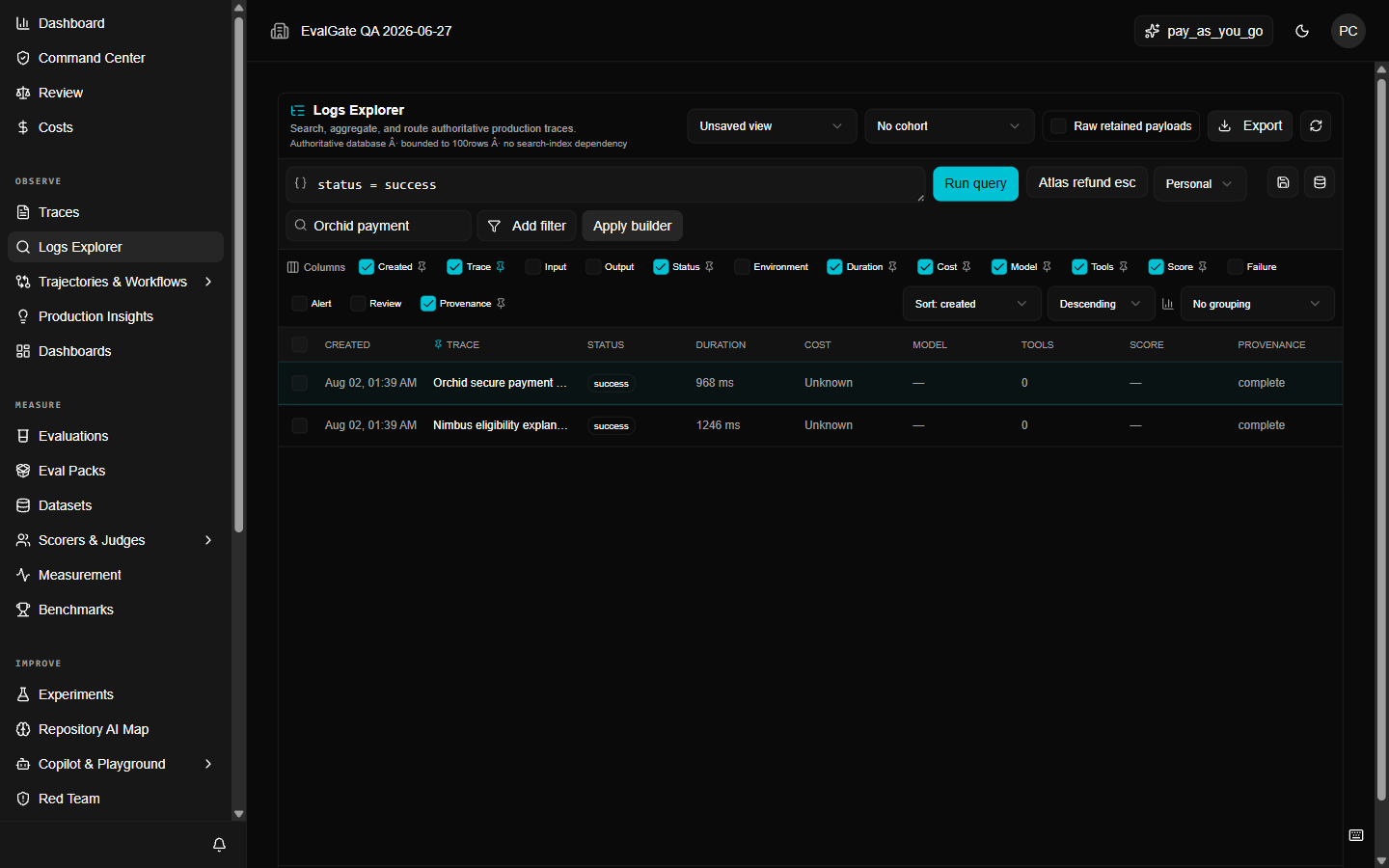
Export is for when you need data outside EvalGate. It is bounded and redacted by default, and every export attempt is audited.Step 1 — Build a bounded query
Never export “everything.” Build the smallest query that answers your question, for example:Step 2 — Export
Click Export in the logs toolbar. The web app downloads a CSV file for spreadsheets. For JSONL (for re-importing into another tool), call thepost_logs_export API operation with "format": "jsonl".
Limits
- Exports stop at 5,000 rows or 5 MiB, whichever comes first.
- Exports are redacted — secrets and raw payloads are not included by default.
- Raw payload export is a separate, privileged operation that requires the organization-admin scope. Every raw export is recorded with an audit ID.
Step 3 — Download
The file downloads asevalgate-traces.csv. If the export failed, the audit ID in the
error tells you why; reopen the canonical query and narrow it further.