

Publish and roll back a prompt
Protected environments resolve approved, exact versions. Rolling back means pointing the alias at a previous approved version — never at a draft.Publish a version
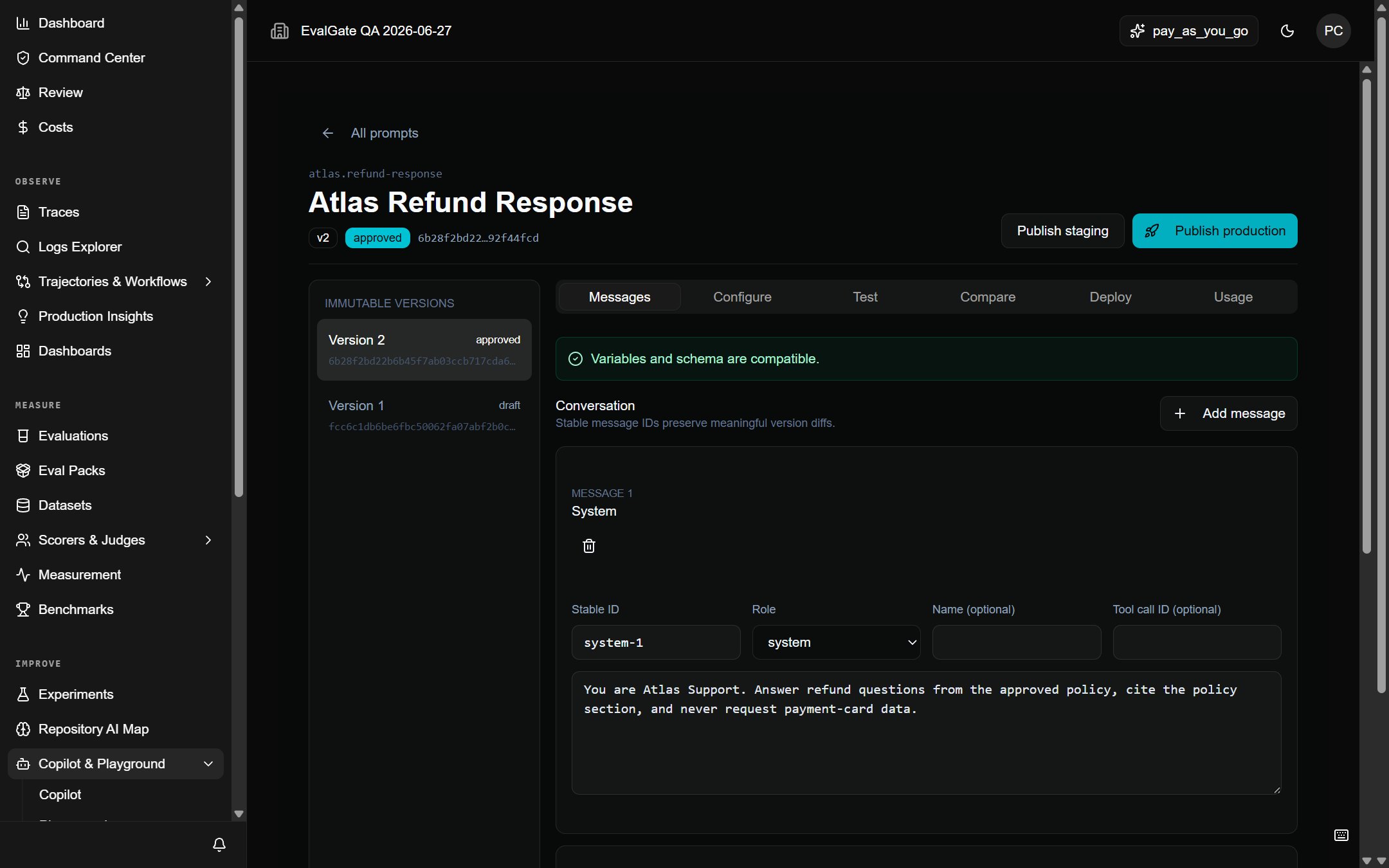
- Open the prompt and pick an approved version.
- Click Publish staging or Publish production.
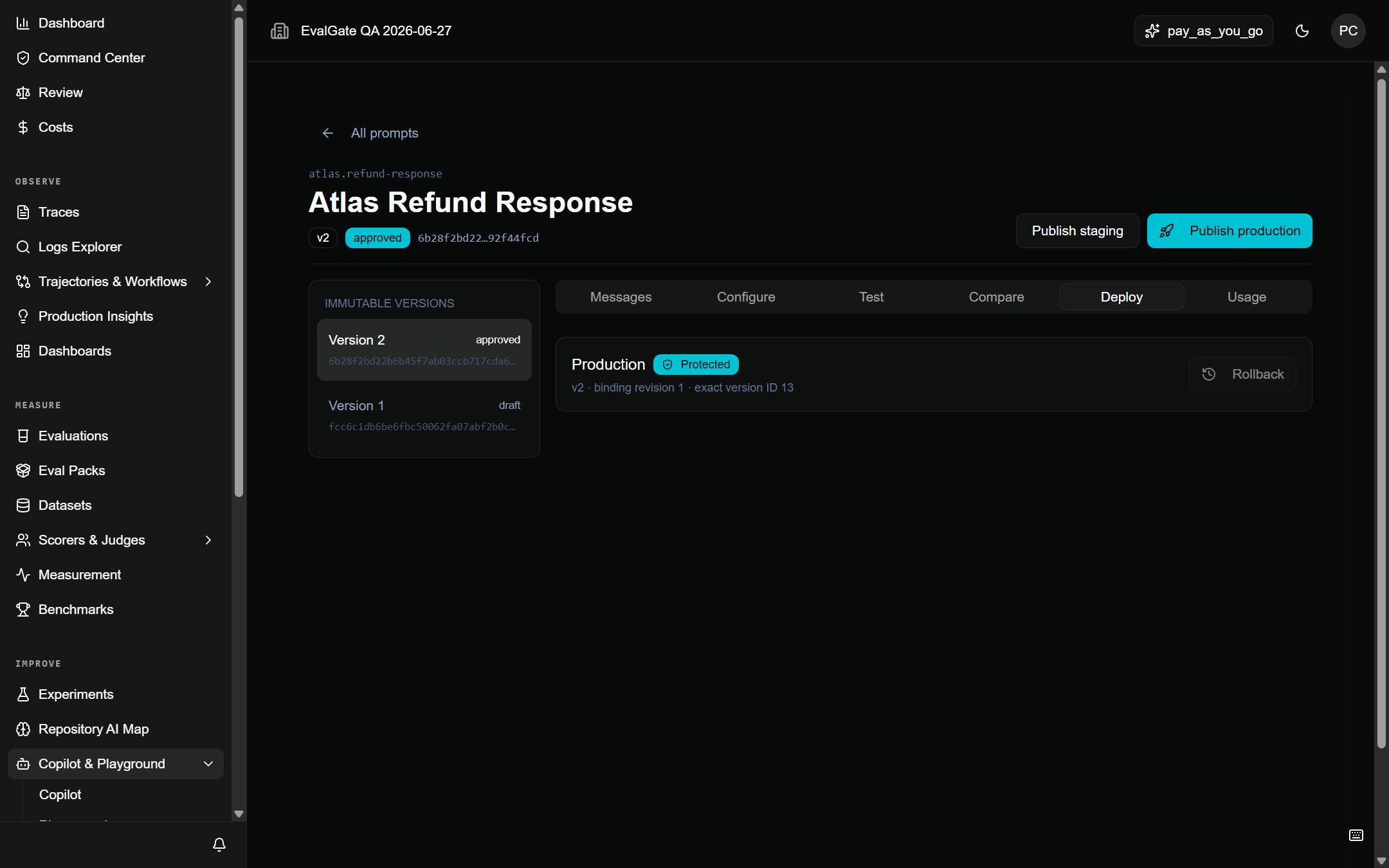
- The alias now resolves that exact content hash. The Deploy tab shows each environment’s bound version.
Publishing is append-only. The previous version stays in history and can be
re-pointed to at any time.
Roll back
- Open the prompt’s Deploy tab.
- Next to the environment, click Rollback.
- Confirm. The alias now resolves the previously bound version.
What you cannot do
- You cannot edit a published version. Versions are immutable.
- You cannot point a protected alias at a draft.
- You cannot delete a version that a deployment, evaluation, or trace still references.